 TryRoomDesign
AI Living Room Design From a Photo
Try a new seating layout, move the visual focus to a fireplace or window, or see how a different rug ties the room together. Start with a photo of the living room you already have.
Redesign your living room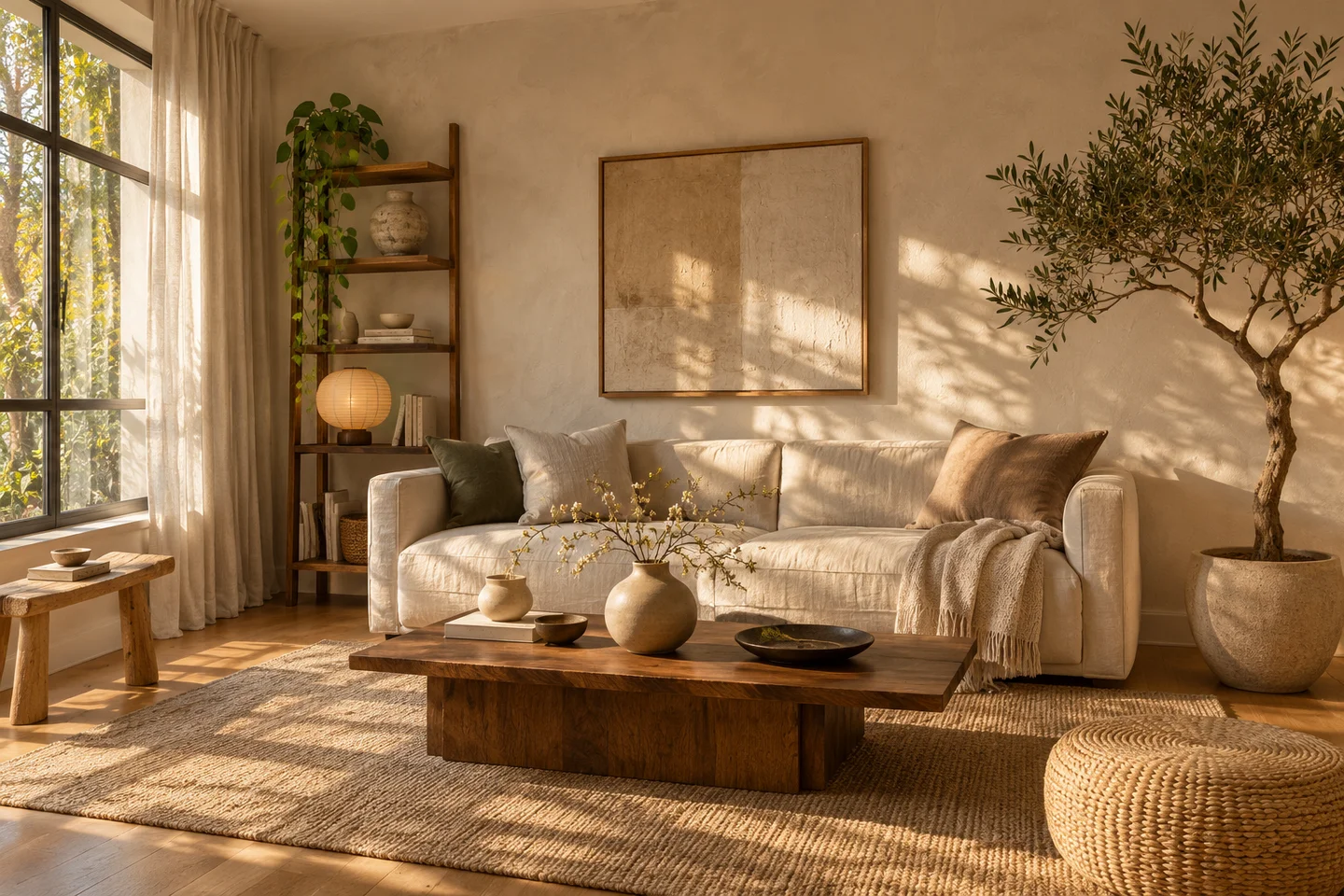
How to photograph the room
Stand in a corner and show the sofa, the doorway you use most, and the wall the seating faces. If there is a second doorway, include it so you can check the routes between them in the result.
Arrange seating around how you use the room
For conversation, try two chairs facing the sofa with a shared coffee table. If you mainly watch TV, keep the screen wall fixed and ask the tool to shift the chairs to reduce glare or crowding.
Keep the main walkway clear
Ask for an uninterrupted path between doors, especially when the room connects a hallway and a balcony. Check whether the generated coffee table, chaise or armchair sticks into that path. Measure the clearance in the real room before buying.
Use the rug to define the seating area
Compare a rug that reaches the front legs of the sofa and chairs with one that covers only the area under the coffee table. Use the same photo and style so the layout stays easy to compare.
An example design brief
Keep the balcony door, sofa and TV wall in place. Add two compact chairs angled toward the sofa, a rug under the front legs of the seating, and a floor lamp near the reading chair. Leave a clear path from the hall to the balcony.
What to check against the original
Check door swings, sofa and chair dimensions, and the walkway when the chairs are in use. Compare the original and the redesign for any doorway or window the model moved.
Three common design mistakes
Choosing a sofa from the render alone
A wide-angle photograph can make a deep sofa look smaller than it is. Write down the dimensions of furniture you plan to keep, and compare the concept with those measurements. Include the space needed to pull out a reclining seat or walk past someone sitting down.
Changing every material in the same attempt
When the floor, sofa, rug and walls all change together, it is hard to identify what improved the room. Start with one decision, such as rug size or chair placement. Keep a short list of fixed items in the notes and compare the result against that list.
Treating an attractive layout as an accurate plan
Look closely at the doors, windows and radiator before judging the styling. A model can shift an opening or hide a practical obstacle. Reject a concept that depends on those changes unless you actually intend to alter the room and have checked feasibility.
Frequently asked questions
Can I change the sofa while keeping the rug?
Ask for a new sofa and explicitly list the rug, floor and remaining furniture as items to keep. The tool generates a whole-room concept rather than applying a masked edit, so the rug may still change. Use the original photo to check its pattern, position and proportions.
How do I compare two styles fairly?
Use the same photo, room type and notes for both requests, changing only the style. Keep each result alongside the original and decide which materials or furniture relationships you prefer. Each new generation uses credits; a repeated request is not a free adjustment to the previous image.
Will the tool work with an open-plan living and dining room?
Choose a photo that includes both areas and select Living room. Describe where the dining zone should stay and which route connects the two. The picture can help compare visual separation, but it does not calculate furniture clearances or provide a measured floor plan.
Can I try it before creating an account?
Eligible visitors can use the daily free allowance for one Standard preview, subject to verification and available capacity. Sign in to download your result. If the allowance has been used, the form will show the available balance; changing the language does not create another allowance.